
The 15 Questions to Ask Before You Buy a Garment Printer
(That Most Buyers Never Think to Ask)
Most buyers research specs. These are the questions that determine whether a machine actually works in your shop — your space, your power, your costs, your support after the sale.
Most people research garment printers the same way: they look at print speed, resolution specs, and machine price. They compare features across three or four models. They watch YouTube reviews.
Then they buy — and discover everything they didn’t know to ask.
The machine doesn’t fit through the door. The power outlet in the garage isn’t right for the voltage it requires. The ink costs on dark garments are twice what they expected. Six weeks in, they can’t reach anyone at the company who sold it to them.
None of that is in the spec sheet.
Work through these before you talk to any dealer. They’ll help you evaluate machines clearly — and help you figure out which dealers are actually on your side.
Questions About Your Space
A garment printer isn’t a desktop printer. These are production machines, and production machines have real physical requirements. This is where most first-time buyers get blindsided.
This sounds obvious. It’s not. Garment printers are heavy and awkward to move, and they arrive on a pallet. Before that pallet shows up, you need to know the machine’s dimensions, your doorway width, and whether there are any tight turns between the delivery point and where it will live.
Standard residential doorways are 32–36 inches wide. Some mid-range and production machines need more. Ask the specific doorway width required — not just the footprint of the machine itself.
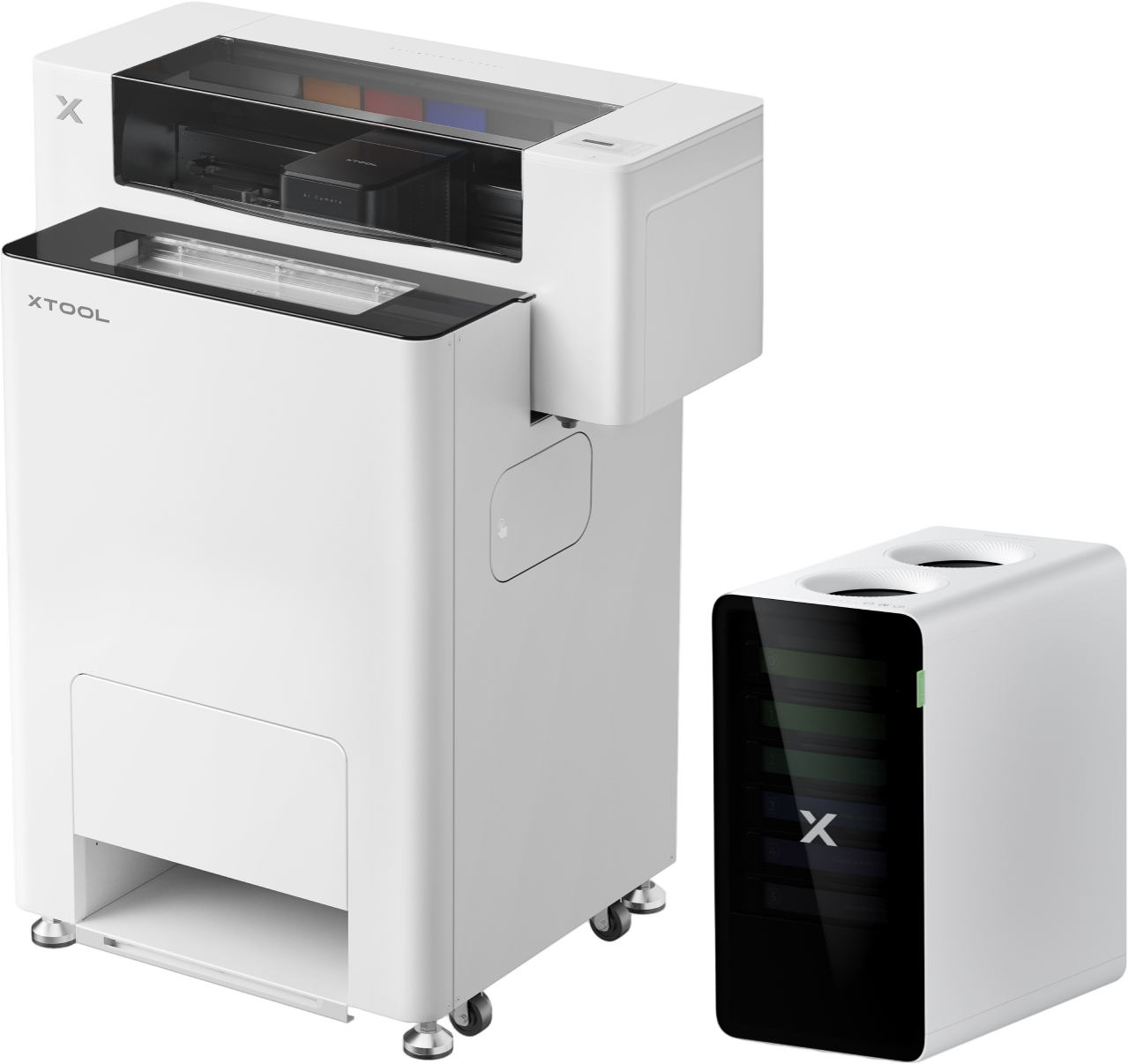
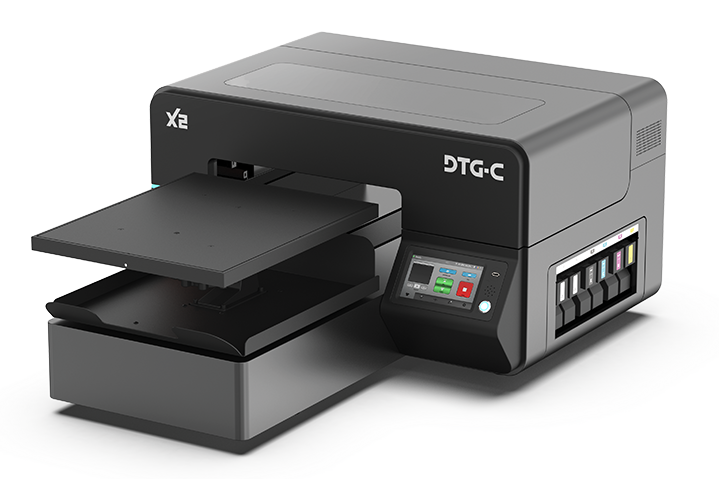
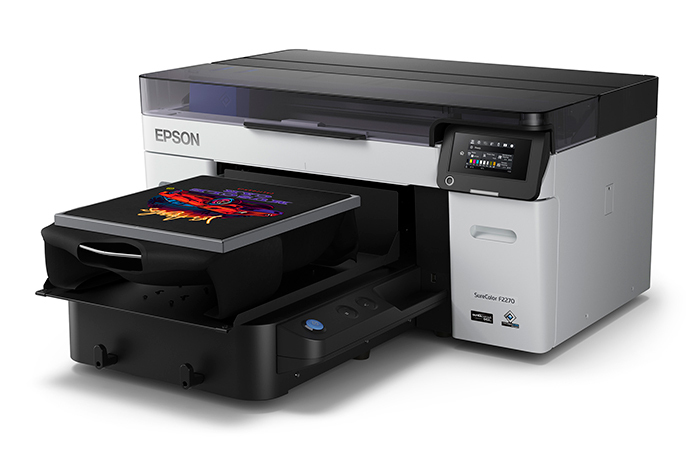
Most entry-level machines (Uninet 100/1000, xTool Apparel Printer, Epson F1070) are designed to fit through a standard 30″ doorway. Larger machines like the XLabs X2 or Epson F2270 need more room. Know this before the machine arrives — not the day it does.
The footprint of the machine is one number. The space you need to actually operate it is another. You need room to load garments, open access panels, connect to your computer, and move around during printing. Most machines need 12–18 inches of clearance on each working side — more for machines with front-loading platens or side-access ink systems.
Sketch out your space before you buy. Include your heat press, your pre-treatment station, and your workflow path. It changes the math on what will actually work in that room.
Garment printers — particularly DTG machines — are sensitive to environment. Most DTG printers require a temperature range of roughly 65–85°F and humidity between 45–65%. Outside those ranges, ink performance suffers, print heads clog more frequently, and your pre-treatment won’t cure evenly.
If you’re printing in a garage, an unheated spare room, or anywhere with real temperature swings, this matters. Ask specifically — and then think honestly about your space.
If you’re buying a DTG printer, you’ll need a pre-treatment setup for dark garments. That means a spray station or pre-treatment machine, ventilation to deal with the overspray, and a dedicated space to lay garments flat while they dry or cure.
DTF printing avoids this step entirely — no pre-treatment required. If you’re considering DTG, map out where the pre-treatment workflow fits before you commit to a machine.
Questions About Your Power
Power is the question nobody asks — and the one that causes the most expensive surprises. It’s also the one PrinterBiz presses on before anything else, because the answer determines which machines are actually options for your setup.
Good news first: the vast majority of DTG and DTF printers run on standard 110V household power. You plug them in the same day they arrive, no electrician required.
Where 220V comes into the picture is your finishing equipment — specifically larger commercial ovens and powder shakers. If you’re scaling up to production-level curing or high-volume DTF powder application, that equipment often requires a 220V circuit, the kind used by a dryer or oven. Some high-volume production DTF printers also fall into 220V territory.
This is worth asking about for your complete setup — not just the printer. If a 220V circuit isn’t already in place where your equipment will live, plan on an electrician call before things arrive. That typically runs $200–$500 and needs to be scheduled ahead of time, not after the pallet is sitting in your space.
Some machines need to be the only thing on a circuit — not sharing with other equipment, lights, or appliances. Running a high-draw machine on a shared circuit can trip breakers mid-print and, in worst cases, damage the machine or create a fire hazard.
Ask specifically: does this machine require a dedicated circuit? What’s the amp draw? Make sure your space can support it before the machine ships.
For most buyers setting up a printer, the answer is no — standard 110V is all you need. But if your setup includes a commercial oven, an industrial powder shaker, or a high-volume production DTF printer, you’ll want to confirm the power requirements for those pieces specifically before anything ships.
If you do need a 220V circuit installed, schedule that call ahead of time. Electricians aren’t always available same-week, and having equipment sit idle while you wait for an outlet is a frustrating (and avoidable) way to start.
This is one of the things PrinterBiz walks through on every consultation — the full setup, not just the printer. Most dealers never ask.
Questions About Your Business Model
The right machine for your shop depends on what you’re actually printing, how much of it, and where you want to be in a year. These questions can change the recommendation entirely.
This is the single most important question for determining technology fit.
DTG printing excels on 100% cotton garments with detailed, multi-color designs. It requires pre-treatment for dark fabrics. It produces a soft, print-embedded feel that wearers love. But it’s limited by substrate — polyester blends, nylon, and synthetics print poorly or not at all.
DTF printing transfers to virtually any fabric — cotton, poly, blends, denim, nylon, leather. No pre-treatment required. If your customers want custom hoodies, athletic wear, hats, or mixed-fabric items, DTF opens doors that DTG doesn’t.
A hybrid machine like the Epson F1070 or XLabs X2 does both — a legitimate option for shops that want flexibility. But if 90% of your work is cotton tees, that flexibility may not justify the premium.
Every machine has a production ceiling. Buying under-capacity is frustrating. Buying over-capacity is expensive.
Entry machines (Uninet 100/1000, xTool, F1070) are right for shops running up to 75 shirts per week. Mid-range machines like the X2 handle 75–300 shirts per week comfortably. Production machines (Epson F2270, UNINET Xpress) are for shops already printing 200+ per week or planning to get there fast.
Be honest about your starting volume. But also think about where you’re headed. The machine you outgrow in six months costs you twice.
This changes the recommendation more than most buyers expect.
One-off and small-batch work (Etsy, direct orders, custom gifts) favors a machine that’s fast to set up and easy to switch between designs. DTF generally has less setup overhead per print because there’s no pre-treatment workflow.
Bulk orders favor a different calculus — higher throughput per hour, lower per-print ink cost, faster platen loading. If you see yourself landing school spirit wear contracts or local business uniform runs, that changes which machine earns its keep.
Questions About the True Cost of Running It
Machine price is the number on the page. Running cost is what determines whether your shop is profitable. These questions reveal which dealers will be straight with you — and which ones won’t.
The machine is the big number. It’s not the only number.
A complete setup typically includes: the printer, a heat press (for DTF or DTG curing), RIP software, ink, pre-treatment (for DTG), transfer film (for DTF), and a platen set for the garment sizes you’re printing. Some bundles include most of this. Others list the machine price and leave the rest to you to figure out.
Ask for a complete startup cost before you agree to anything. The difference between a “starter bundle” and a ready-to-print operation is real money. Know exactly what you’re getting.
White ink is the most expensive variable in DTG printing. It’s also the part nobody talks about honestly.
Printing on a light cotton shirt uses very little ink. A well-dialed DTG setup can get you under $1.00 per print on a white or light-colored garment — real margin on a $25 tee. But printing on dark garments requires a white ink underbase, and white ink is expensive. Your cost on a dark garment can run $2.50–$4.00 per print or more depending on design coverage and machine efficiency.
DTF sidesteps this entirely. DTF transfers use CMYK ink plus white in the film — but the economics work differently and the per-print cost is more predictable across garment colors.
Ask for real numbers by garment color, not averages. The dealer who gives you specific ink cost ranges is worth trusting. The one who gives you a vague “it depends” without explanation isn’t.
Every printer requires regular maintenance. For DTG machines, that means daily print head cleaning cycles, periodic deep cleans, and white ink agitation to prevent settling. These aren’t optional — skipping them leads to clogged print heads, and print heads are expensive to replace.
Ask how long the daily maintenance routine takes, what it costs in ink waste, and what a print head replacement runs if the worst happens. A dealer who answers these questions specifically is showing you something about how they’ll support you after the sale.
Questions About Support and Training
What happens after the machine arrives is where most reseller relationships either earn their keep — or fall apart. These questions tell you a lot about what you’re actually buying.
There’s a wide range in what “training” means in this industry. Some dealers ship a machine with a manual and a YouTube link. Others include structured onboarding: video libraries, live video calls with print technicians, manufacturer training sessions, and direct access to someone who’s actually run one of these machines.
Ask specifically what’s included, who delivers it, and whether there’s a live human being available to walk you through your first print run. The first time you do pre-treatment on a dark garment, or dial in a DTF film transfer, you’ll want more than a tutorial video.
This is the question most people don’t think to ask — until they need the answer.
A machine issue mid-production run, a color calibration problem, a pre-treatment question on a new garment type — these don’t always happen during business hours, and they don’t always have an easy answer in the manual. Who do you call? And will they actually pick up?
Some dealers are transaction-first: they move units and move on. Others are built around the relationship. Before you buy, call the number on the website. See who answers. Ask a technical question. The experience you have in that five minutes is the experience you’ll have for the next three years.
The One Question That Tells You Everything About the Dealer
After you’ve worked through the 15 questions above, there’s one more — and it’s the most revealing.
A dealer who only tells you what to buy is doing their job. A dealer who tells you what NOT to buy — for your specific space, power, volume, and business model — is doing yours.
PrinterBiz’s consultation process is built around this question. We’d rather tell you that the machine you’re excited about isn’t the right fit than sell you something that underperforms in your shop. When you hear “that machine probably isn’t the right call for you because…” followed by a real explanation, you’ve found a partner worth trusting.
When every machine on the list looks great for every buyer? That’s a sign.
Ready to Get These Questions Answered?
PrinterBiz works through every one of these questions — and more — on every free consultation call. We cover your space, your power, your volume, your business model, and your realistic budget before we recommend anything.
No pressure. No pitch. Just a straight conversation about what machine actually fits your shop.
Start Your Free Consultation →